
DNB thesis submission involves more than uploading a PDF. A trainee must confirm eligibility, use the correct NBEMS route, prepare the required records, review document readability and preserve proof of submission. Small errors—such as inconsistent names, an incomplete certificate, an incorrect file or a missed status update—can delay processing even when the research itself is complete. This guide explains a practical verification workflow for the DNB thesis submission portal, from pre-login preparation to post-submission tracking. Portal fields, fees, deadlines and documentary requirements may change, so every trainee should compare this guide with the latest official NBEMS notice and instructions before taking action.
Blog CTA #1: Need help reviewing your thesis structure or upload readiness? Request confidential guidance on WhatsApp.
Quick answer: DNB trainees should submit through the official NBEMS thesis route applicable to their session. Before uploading, verify current eligibility, deadlines, certificates, thesis file, candidate details and payment instructions from NBEMS. After submission, save the acknowledgement and regularly check the portal, registered email and official notices for status changes or deficiency communication.
Use the Official NBEMS Source First
NBEMS is the authority for applicable DNB thesis instructions. Search results, social posts, coaching messages and older screenshots may help a trainee understand terminology, but they should not be treated as the final source for a current deadline, fee, portal link or mandatory document.
Before proceeding, verify information from:
- the official NBEMS website;
- the trainee login or thesis portal reached from the official website;
- current NBEMS notices and circulars;
- instructions displayed inside the authenticated portal; and
- authorised communication received at the registered email or mobile number.
Do not enter credentials on a link received from an unverified message. Open the official domain directly and navigate to the relevant service. ThesisLikho is an independent academic-support website and is not the NBEMS portal or an NBEMS representative.
DNB Thesis Pre-Submission Readiness Check
A useful submission check begins before login. Divide readiness into four layers: eligibility, academic approval, document consistency and technical preparation.
Readiness layerWhat to verifyWhy it matters
Eligibility Training session, programme, submission window and applicable official instructions Prevents submission under an incorrect process or timeline.
Academic readiness Required institutional approvals, guide review and completion of the final thesis stage Confirms the document is ready for the applicable submission.
Document consistency Candidate name, registration details, title, institution and guide information Reduces mismatch and deficiency risk.
Technical readiness Final file, readable scans, supported format, stable connection and saved backup Prevents failed, incomplete or incorrect uploads.
Confirm the applicable notice.
Do not rely on a deadline copied from an older article. Identify the notice that applies to your training session and speciality. Read the complete notice, including annexures and correction notices, rather than using only the headline date.
Freeze the correct thesis version.
Create a clearly named final folder. Keep the approved thesis, certificates and supporting records separate from earlier drafts. A file called final-final-new.pdf is difficult to verify under pressure. Use a controlled name such as CandidateName_DNB_Thesis_Final_YYYY-MM-DD.pdf for your own records, while following any official file-naming instruction shown by NBEMS.
Check identity and title consistency.
Compare the spelling and sequence of details across the portal profile, registration record, title page, certificates and approval documents. If a mismatch exists, seek clarification through the appropriate official or institutional channel rather than editing an authorised document yourself.
Documents and Information to Prepare
The exact list must be taken from the current official instructions and portal. Depending on the applicable process, a trainee may need some combination of the following:
- NBEMS registration or trainee details;
- final thesis document in the required format;
- approved title and research details;
- guide or co-guide information;
- institutional or head-of-institution certification;
- ethics-committee approval or related records where applicable;
- protocol approval records where required;
- undertaking, declaration or forwarding documents;
- payment method and transaction details; and
- a working registered email address and mobile number.
This list is a preparation framework, not a replacement for the current NBEMS checklist.
Document-level quality check
For every uploaded item, confirm:
- The document belongs to the correct candidate.
- All required pages are present.
- Names, dates, titles and identifiers are legible.
- Signatures or official endorsements are present where required.
- The scan is upright and not blurred, cropped or password-protected.
- The selected file is the final approved version.
- The file follows the size and format displayed by the portal.
DNB Thesis Submission Portal Workflow
Portal labels and sequence can change. Treat the following as a verification workflow and follow the live portal instructions if they differ.
Step 1: Enter through the official website
Navigate from the official NBEMS website to the relevant trainee or thesis service. Check the browser address before entering login information.
Step 2: Review the candidate profile
Confirm the visible name, registration details, programme, speciality, institution and contact information. Do not continue casually if a material detail is incorrect.
Step 3: Read the live instructions
The portal may show conditions, upload specifications, declarations or payment directions. Read them before selecting files. Take a screenshot or save instructions for your record when permitted.
Step 4: Enter thesis information carefully
Copy the approved thesis title accurately. Review guide, institution and research-related fields. Avoid introducing punctuation or spelling changes that create a mismatch with approved records.
Step 5: Upload and preview each document
Upload one verified file at a time. If the portal provides a preview or filename display, check it before moving forward. Do not assume that selecting a file means it uploaded successfully.
Step 6: Review the complete application
Check every field and file once more. A useful review method is to compare the portal screen against a separate checklist instead of reading from memory.
Step 7: Complete the required payment, if applicable
Follow only the amount and method shown in the current official workflow. Save the payment reference. If the amount is debited but the portal does not confirm payment, avoid repeated payments until you have checked the transaction status and official support instructions.
Step 8: Submit and preserve evidence
After final submission, download or capture the acknowledgement, application number, transaction record and status page. Store copies in more than one secure location.
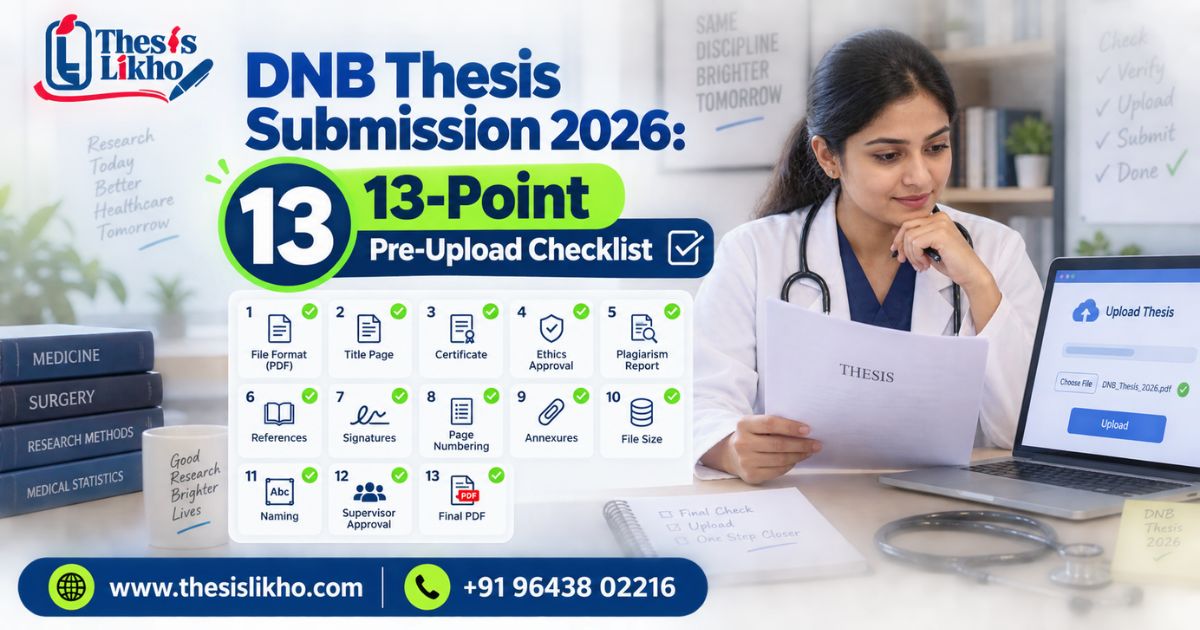
DNB Thesis Submission Checklist
Use this immediately before the final click:
- Correct official NBEMS route opened
- Applicable notice and submission window verified
- Candidate profile reviewed
- Approved thesis title entered consistently
- Final thesis file selected
- Supporting records checked against current instructions
- Every scan readable and complete
- File types and sizes accepted by the portal
- Declarations read and accepted truthfully
- Payment status verified, where applicable
- Preview or final summary reviewed
- Acknowledgement and reference number saved
- Portal and email status monitoring planned
Related service CTA #2: If your thesis document needs structural review, citation checking, language editing or formatting before portal upload, share the current stage for an assessment.
Common Portal and Document Errors
Login or access problem
Check the official URL, entered credentials, browser behaviour and network stability. Use the official recovery route when available. Do not share your password or one-time code with an academic consultant.
File upload fails
Confirm the permitted file type and size shown on the live portal. Rename the file using simple characters if appropriate, remove password protection from a copy where permitted, verify that the file opens correctly and retry with a stable connection. Keep the original document unchanged.
The uploaded file is wrong.
If the form has not been finally submitted, replace the file and preview it. If final submission is complete, do not assume it can be edited. Follow the portal’s correction option or official help route and retain evidence of the request.
Candidate or title details do not match.
Do not alter official certificates yourself. Collect the records that show the correct details and seek guidance from the institution or NBEMS channel applicable to the discrepancy.
Payment deducted but status is pending.
Save the transaction reference, timestamp and screenshot. Check whether the portal has a reconciliation period or official instruction for pending transactions. Avoid multiple payments without confirming the appropriate next step.
Session expires during submission.
Prepare information and files before login, but re-check all fields after signing in again. Never assume unsaved fields or uploads were retained.
No acknowledgement appears
First confirm whether the application status shows final submission or only a saved draft. Check downloads, registered email and portal history. If confirmation remains unavailable, use the official support route with the application and transaction details.
What to Do and What Not to Do
DoDo not
Use the official NBEMS website and current notices Trust an old deadline copied across unofficial blogs.
Verify every file before upload Upload the first file with “final” in its name without opening it.
Keep acknowledgement and transaction records Close the portal without saving evidence.
Monitor portal status and registered email Assume successful upload means final acceptance.
Escalate discrepancies through authorised channels Edit official approvals or certificates yourself.
Retain control of login credentials Share passwords, OTPs or payment credentials with third parties.
Protocol, Synopsis and Final Thesis Are Not the Same
In the DNB research journey, a protocol is the planned study: it sets out the question, objectives, methodology, ethics and proposed analysis before the research is completed. A final thesis documents the study actually conducted, including results, interpretation, limitations and conclusions. Depending on institutional terminology, “synopsis” may refer to a condensed research proposal or a concise summary of completed work; therefore, candidates must follow the definition used in their applicable guidelines.
The search phrase “synopsis and thesis difference” deserves a separate informational article because its audience and purpose are broader than DNB portal submission. On this page, the distinction is included only to prevent candidates from uploading a proposal-stage document where a final thesis is required.
DocumentPrimary functionTypical stage
Protocol Describes how the proposed research will be conducted Before or early in the study.
Synopsis Condensed proposal or summary, depending on institutional usage Institution-dependent
Final thesis Reports the completed research and its findings After research completion.
What to Do After Submission
Submission is not the final monitoring step. Trainees should:
- Save the acknowledgement, reference number and payment record.
- Record the submission date and current portal status.
- Check the registered email, including spam or junk folders.
- Review the portal periodically for processing updates.
- Read any deficiency communication carefully and note the response window.
- Upload corrections only through an authorised route.
- Keep the submitted thesis and all records unchanged in a secure archive.
If a deficiency is raised
Separate the message into individual requirements. Identify whether the issue concerns an unreadable file, missing certificate, detail mismatch, formatting problem or substantive document question. Prepare only the requested correction, obtain institutional confirmation where required and preserve the revised submission evidence. Do not make unrelated changes that create new inconsistencies.
When Professional Guidance May Help
Independent guidance may be useful when a trainee needs help understanding thesis structure, organising citations, checking internal consistency, improving academic language, reviewing tables or preparing a document-level upload checklist.
Ethical support may include:
- thesis-format and structural review;
- citation and reference consistency checks;
- language editing with tracked changes;
- document-readiness assessment;
- supervisor-comment mapping; and
- explanation of publicly available submission instructions.
It should not include:
- impersonating the trainee on the portal;
- receiving or using passwords and OTPs;
- fabricating data, approvals, signatures or certificates;
- promising NBEMS acceptance or a specific outcome; or
- presenting an independent service as an official NBEMS facility.
Disclaimer: ThesisLikho is an independent academic-support service and is not affiliated with NBEMS. Candidates must verify current rules, deadlines, fees and portal requirements through official NBEMS sources. The candidate remains responsible for the authenticity, accuracy and submission of all records.
Blog CTA #3: Request a confidential pre-submission document review. No submission, approval or result is guaranteed.
Information to Share for an Assessment
For a focused response, realistic scope and useful quotation, share only:
- programme: DNB or DrNB;
- speciality and training institution;
- applicable submission session;
- protocol and thesis approval status;
- current stage: formatting, documents, correction or upload readiness;
- exact problem or deficiency message;
- consolidated guide or institutional comments; and
- genuine deadline.
Do not send passwords, OTPs, payment credentials or identifiable patient records. The first assessment should determine whether the issue is academic, documentary, technical or one that only NBEMS or the institution can resolve.
Frequently Asked Questions
1. Where should I complete DNB thesis submission?
Use the current official NBEMS route applicable to your session. Enter through the official NBEMS website and verify the domain before providing login details.
2. Is the DNB thesis submission portal the same every year?
Portal access, labels, instructions and requirements may change. Always follow the live official portal and the notice applicable to your training session.
3. Which documents are required for DNB thesis submission?
Requirements depend on the applicable official instructions. Prepare the final thesis, candidate details, approvals, certificates and related records shown in the current NBEMS checklist.
4. What should I do if my file does not upload?
Check the allowed file type and size, confirm the PDF opens, use a stable connection and retry. If the issue continues, follow the official technical support instructions.
5. Can I edit an application after final submission?
Do not assume that editing is available. Check the portal status and current correction procedure. If necessary, contact the authorised support channel with your application details.
6. What happens after submitting the DNB thesis?
Save the acknowledgement and monitor the portal and registered email. NBEMS may process the submission, update its status or issue a deficiency requiring action.
7. Is a synopsis the same as a final DNB thesis?
No. A synopsis is normally a condensed document, while a final thesis reports the completed research in detail. The exact institutional meaning of “synopsis” should be verified from the applicable guidelines.
8. Can an academic-support service submit the thesis for me?
The candidate should retain control of the official account and submission. Independent services may provide ethical document review or guidance but should not request passwords, OTPs or impersonate a candidate.
Conclusion
Successful DNB thesis submission depends on accurate records, the correct official route and careful verification—not simply uploading a thesis file. Confirm the current NBEMS notice, prepare readable documents, compare candidate and title details, review each upload and save proof after final submission. Continue checking the portal and registered email because a successful upload may still be followed by a processing update or deficiency request. If the thesis needs structural editing, citation review or a document-readiness check, seek support early enough to make evidence-based corrections. Always keep control of your credentials and verify deadlines, fees and mandatory requirements directly through NBEMS before acting.
📞 Call/WhatsApp: +91 96438 02216
Website: https://thesislikho.com/