
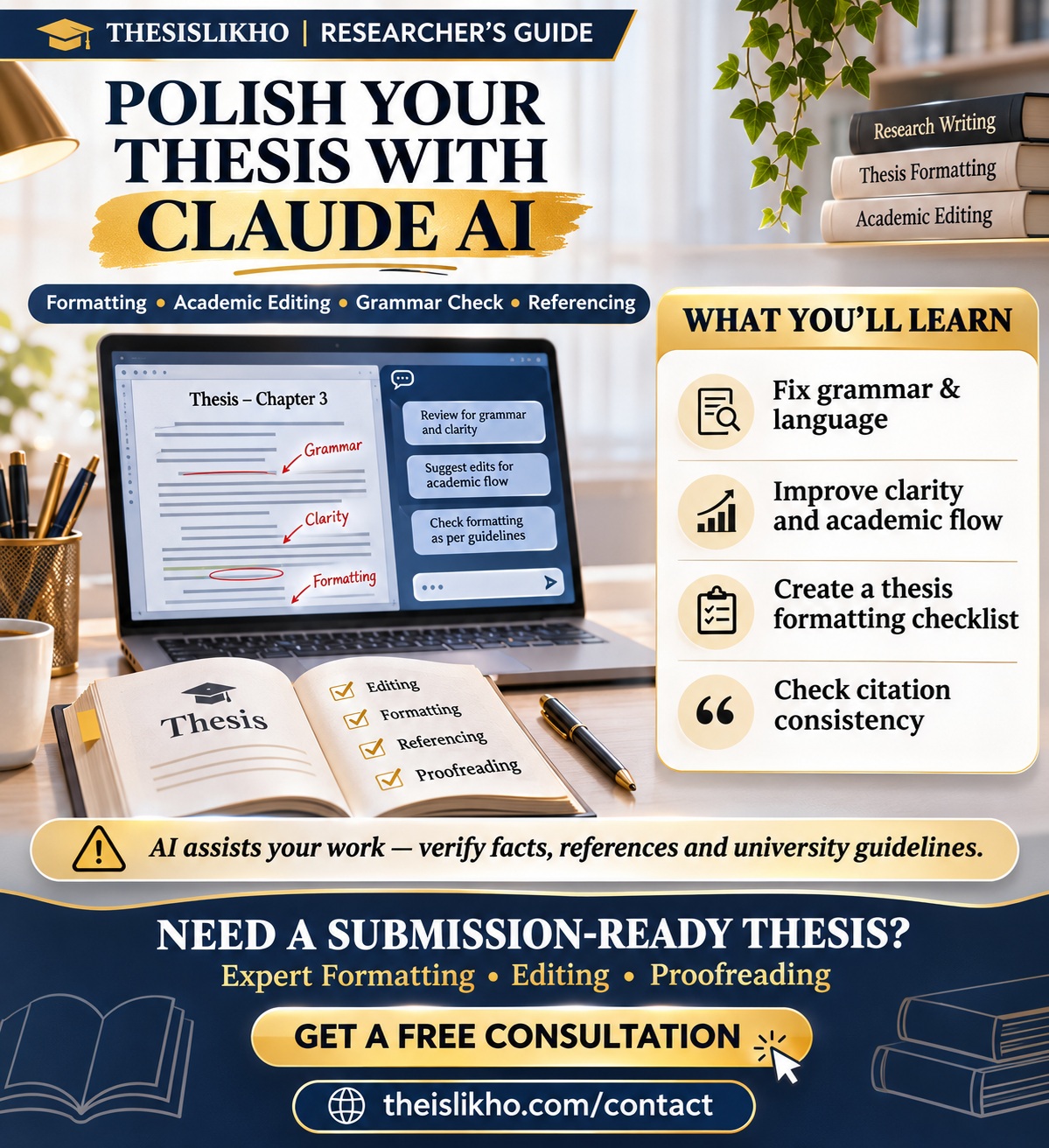
Writing a thesis is hard work. Months of research and analysis finally turn into chapters, and then comes the stage most scholars underestimate: formatting, editing, grammar correction and proofreading. One misplaced heading, an inconsistent citation or a run of grammatical slips can make strong research look careless in front of an examiner. AI assistants like Claude can make this final stage far faster and less stressful. In this guide, we explain step by step how to use Claude for thesis polishing, where its limits are, and how ThesisLikho helps you take your thesis from "almost done" to "submission-ready".
What Is Claude and Why Use It for Your Thesis?
Claude is an AI assistant developed by Anthropic. It can read long documents, understand academic writing, and give detailed feedback on clarity, structure, grammar and style. Because it can handle large amounts of text at once, it is well suited to working through full thesis chapters rather than single paragraphs.
For research scholars, Claude is useful because it:
- Explains why a sentence is wrong, not just what to change, so you improve as a writer.
- Keeps a formal academic tone across chapters.
- Follows specific instructions such as "use British English" or "follow APA 7th edition".
- Works any time of day, which helps when a submission deadline is close.
1. Using Claude for Grammar Check and Language Correction
Grammar mistakes are the most common reason examiners comment on "language quality". Claude can find errors in tense, subject-verb agreement, articles, prepositions, punctuation and sentence structure, problems that are especially common for scholars writing in English as a second language.
How to do it
Paste one section at a time (for example, 800–1,500 words) and give a clear instruction:
Asking for a list of changes is important. It lets you review every edit and keep control of your own work, instead of accepting changes blindly.
2. Using Claude for Academic Editing and Clarity
Good grammar is not enough. A thesis also needs clear arguments, logical flow and concise sentences. Claude can act as a first-round academic editor.
What Claude can help with
- Removing repetition: spotting the same point made three times in one chapter.
- Improving flow: suggesting transition sentences between paragraphs and sections.
- Shortening long sentences: breaking 60-word sentences into readable ones.
- Consistent tone: replacing informal words ("a lot of", "big problem") with academic alternatives.
- Checking structure: confirming that your introduction states objectives that your conclusion actually answers.
3. Using Claude for Thesis Formatting
Every university has its own thesis guidelines: margins, font size, line spacing, heading levels, page numbering, and the order of preliminary pages. Claude cannot open Microsoft Word and click buttons for you inside your file, but it is very helpful for planning and checking formatting.
Ways to use Claude for formatting
- Convert guidelines into a checklist: paste your university's formatting rules and ask Claude to turn them into a step-by-step checklist.
- Heading hierarchy: share your chapter outline and ask Claude to number headings consistently (1, 1.1, 1.1.1).
- Preliminary pages: get draft templates for the declaration, certificate, acknowledgement and abstract, then adapt them to your university's format.
- Table and figure captions: ask Claude to standardise caption style across chapters.
- Word styles guidance: ask for instructions on setting Heading styles, an automatic table of contents, and section breaks for Roman and Arabic page numbers.
4. Using Claude for Referencing and Citation Consistency
Inconsistent references are one of the most frequent examiner complaints. Claude can help you:
- Convert reference entries into one style (APA, MLA, Chicago, IEEE, Harvard or Vancouver).
- Spot missing details such as volume, issue, page numbers or DOI.
- Check that in-text citation format matches your reference style.
- Arrange the reference list alphabetically or numerically.
5. Using Claude for Abstract, Summary and Proofreading
Your abstract is often the only part of the thesis many people read. Claude can check whether your abstract covers the problem, objectives, methodology, key findings and conclusion within the word limit. It can also do a final proofreading pass, catching typos, double spaces, inconsistent spellings (e.g. "analyse" and "analyze" in the same document) and inconsistent use of abbreviations.
Quick Reference: What Claude Does Well and Where You Need Human Help
| Task | Claude | Human Expert |
|---|---|---|
| Grammar and punctuation | Very good, fast | Final verification |
| Clarity and flow | Good first-round suggestions | Subject-specific judgement |
| Formatting in Word file | Checklists and instructions | Actual file formatting to university norms |
| Referencing | Style conversion | Source verification |
| Plagiarism / similarity check | Not a plagiarism checker | Turnitin / iThenticate / DrillBit reports |
| Data and statistical accuracy | Can explain concepts | Expert validation of analysis |
Best Practices and Academic Integrity
- Use AI to polish, not to write your research. Your ideas, data, analysis and conclusions must be your own.
- Check your university's AI policy. Many Indian universities and UGC guidelines now expect disclosure of AI tool use. Follow your institution's rules.
- Work section by section. Smaller pieces give more accurate feedback.
- Protect confidential data. Avoid pasting unpublished sensitive data or participant details.
- Always review changes. AI can occasionally change technical meaning; read every edit.
- Run a similarity check separately. Use the tool your university accepts before final submission.
How ThesisLikho Helps You Finish a Submission-Ready Thesis
Claude is an excellent assistant, but a thesis is evaluated by human examiners against strict university standards. That is where ThesisLikho comes in. We combine the speed of modern tools with the judgement of experienced academic professionals so your thesis is accurate, compliant and confident.
Our thesis support services
- Professional thesis formatting: we format your complete Word file according to your university's guidelines: margins, fonts, heading styles, automatic table of contents, list of tables and figures, page numbering and preliminary pages.
- Expert editing and proofreading: subject-specialist editors improve language, flow and academic tone while keeping your meaning intact.
- Grammar and language correction: detailed line-by-line correction, ideal for scholars writing in English as a second language.
- Referencing and citation check: we verify and format every reference in APA, MLA, IEEE, Harvard, Vancouver or Chicago style.
- Plagiarism checking and reduction guidance: similarity reports and help with paraphrasing and proper citation to meet UGC norms.
- Research guidance: support with synopsis, research proposal, methodology, data analysis (SPSS, R, Python) and interpretation.
- Presentation support: help preparing pre-submission, RAC and viva voce presentations.
Why scholars choose ThesisLikho
- Experienced academic experts across engineering, computer science, management, social sciences, life sciences and humanities.
- Familiarity with formatting requirements of Indian universities.
- Confidential handling of your research.
- Timely delivery, with revisions as per supervisor feedback.
- Guidance that respects academic integrity: we help you present your research at its best.
Conclusion
Claude can save research scholars many hours on grammar checks, editing, formatting checklists and reference styling. Used carefully, with clear prompts, section-by-section review and respect for your university's AI policy, it becomes a powerful writing partner. For the final, high-stakes stage, though, human expertise still matters. Combine Claude's speed with ThesisLikho's professional formatting, editing and plagiarism support, and you can submit your thesis with confidence.
Need a Submission-Ready Thesis?
Get expert formatting, editing, proofreading and plagiarism support from ThesisLikho.
Get Free Consultation